a reference by the uberdesigner team
The best AI tool for web design depends on the job
Coding agents, editors with an agent, chat apps and app builders all turn a written brief into a web page. They differ in where they run, what they can touch and how you get the result out. Those differences decide which one suits your job.
Answer in brief
There is no single best AI tool for web design. There are four kinds of tool, and each suits a different job: a coding agent for a project you will own and keep, an editor with an agent for changes you want to read as they are made, a chat app for one page to look at, and an app builder when you want the thing generated and hosted in one place. With any of them, the quality of the design comes from the brief and the starting design you hand over, not from the tool.
That last part is where uberdesigner fits, and it is not one of the four. It is a library of finished designs, each with a prompt, a project and a Figma file, plus an MCP server, and it works with whichever tool you pick. We make it, so read every mention of it here as a maker talking about its own product.
AI tools for web design, by kind and by job
 Coding agentsWorks in your folder: reads your files, runs the project, checks it.
 Editors with an agentThe agent inside a code editor: you read each change as it lands.
 Chat appsA conversation in a browser: one page to look at, nothing installed.
 App buildersGenerated and hosted in one workspace: fast to live, with its own defaults.
 Landing pagesBy job: one page, one action. Which kind of tool, and how to brief it.
 Redesigning a siteBy job: restyling a site that exists. Only tools that reach the code can.
 Figma to codeBy job: a Figma design into a site. The tool needs a way to read the file.
Free prompts to start with
Two websites, one hero section and three pieces of UI, all free on uberdesigner. A free account copies the prompts of up to 3 different free templates in any 24 hours. Paste one into the tool you are trying and you have a fixed design to judge the tool against.
-
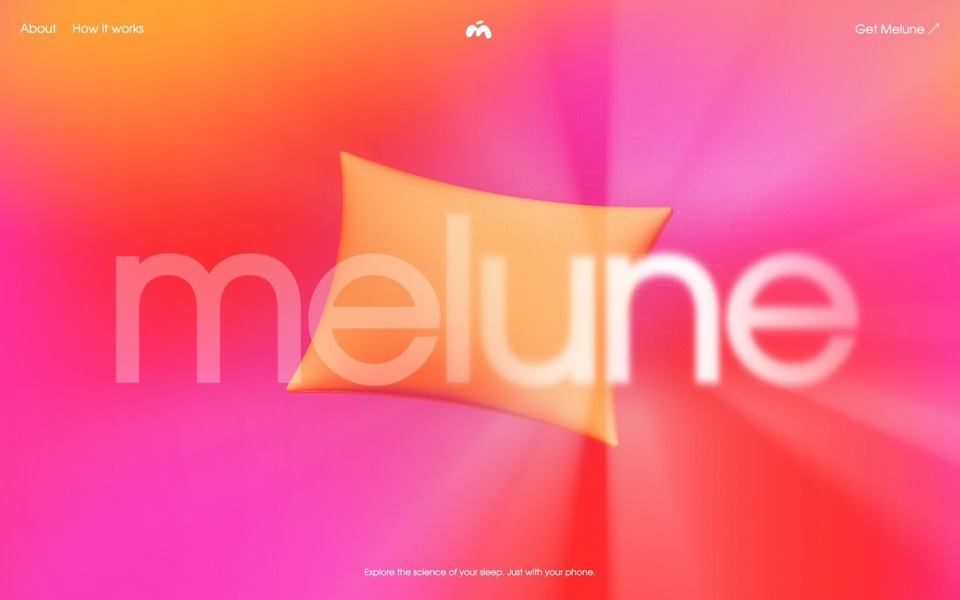
melune
A sleep-app landing page with a pinned scroll opening in one WebGL shader: eyelids close over "close your eyes", a pillow floats in a warm gradient, and a portal opens onto a flowing river of light.
copy its prompt on uberdesigner -
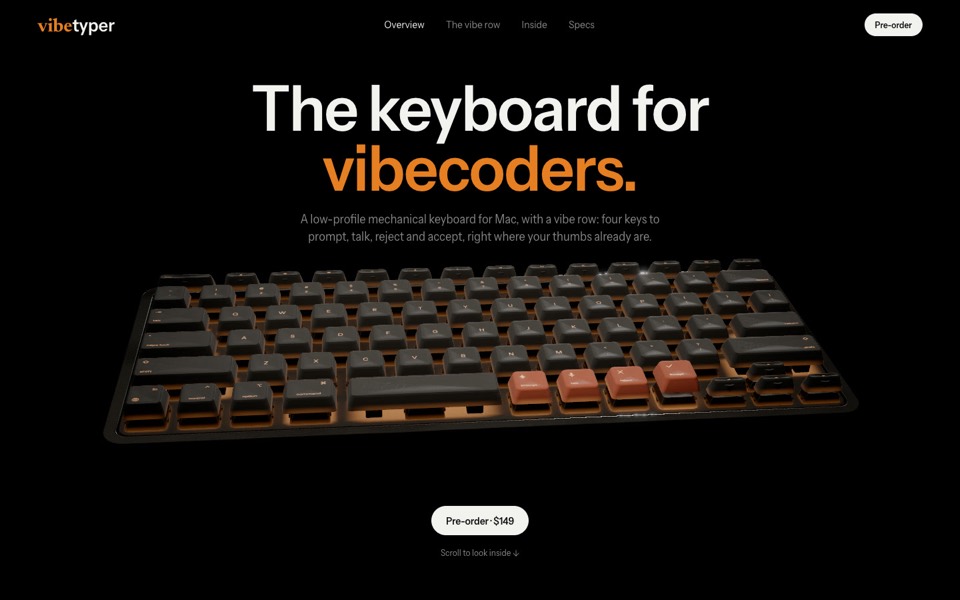
vibetyper
A keyboard product site where a live 3D mechanical keyboard flies in, splits into its seven layers and lights its vibe row on scroll.
copy its prompt on uberdesigner -
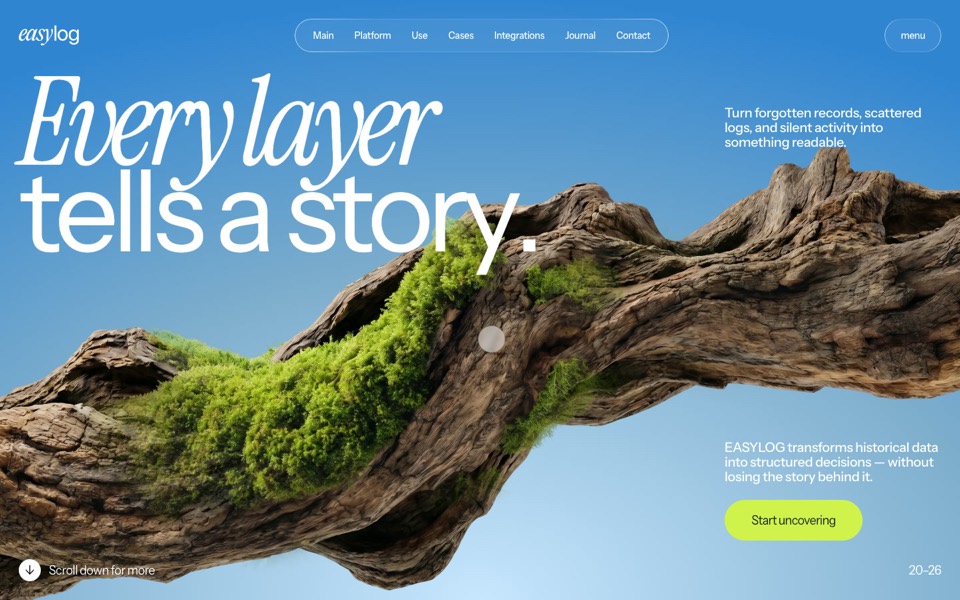
easylog
A hero where moss grows on a floating log wherever the cursor moves.
copy its prompt on uberdesigner -
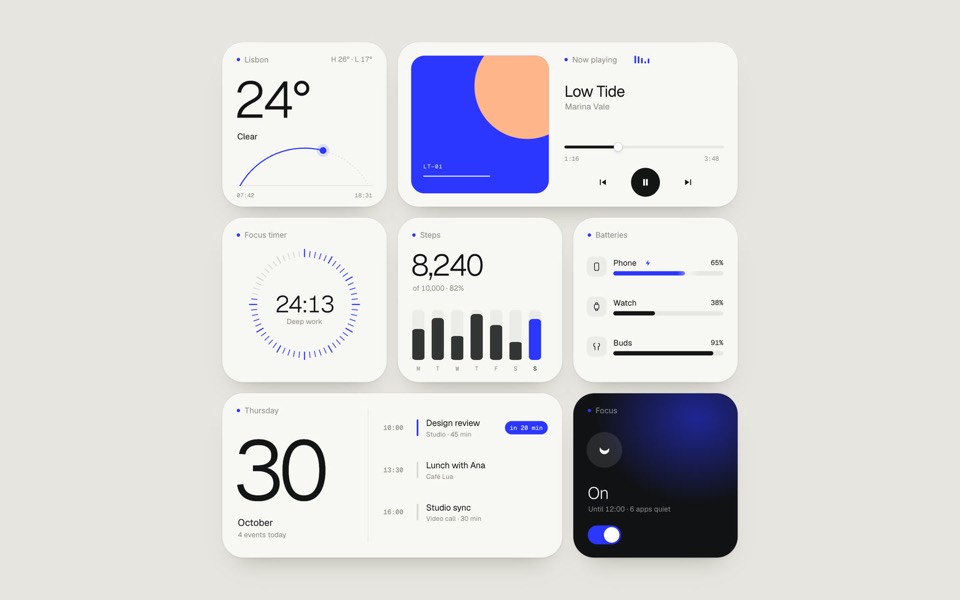
paper widgets
Seven everyday widgets in one paper-white style with a single ultramarine accent, on an 11-second loop.
copy its prompt on uberdesigner -
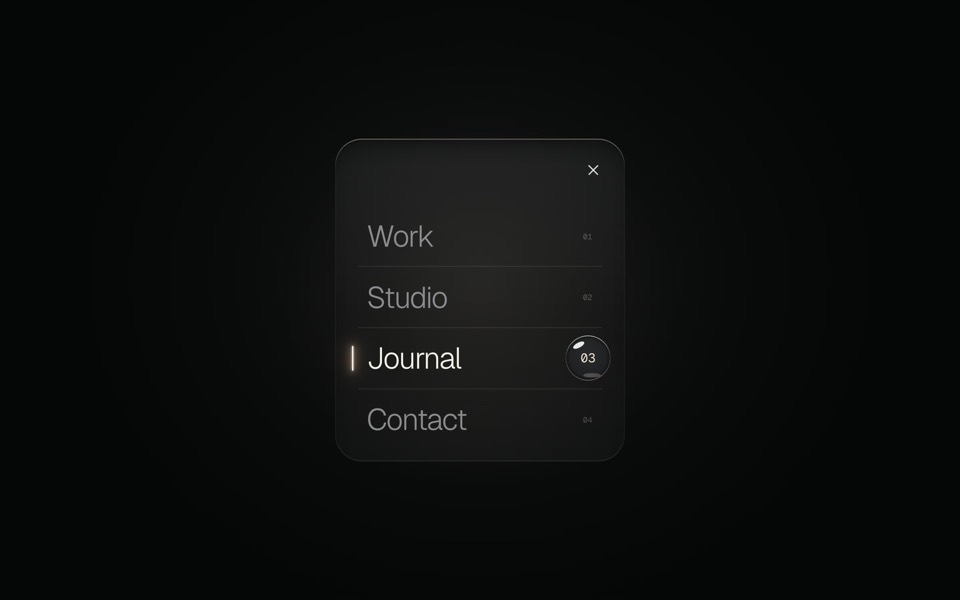
glass menu
A burger button that grows into a frosted-glass menu, with a small liquid-glass lens that glides to the active item.
copy its prompt on uberdesigner -
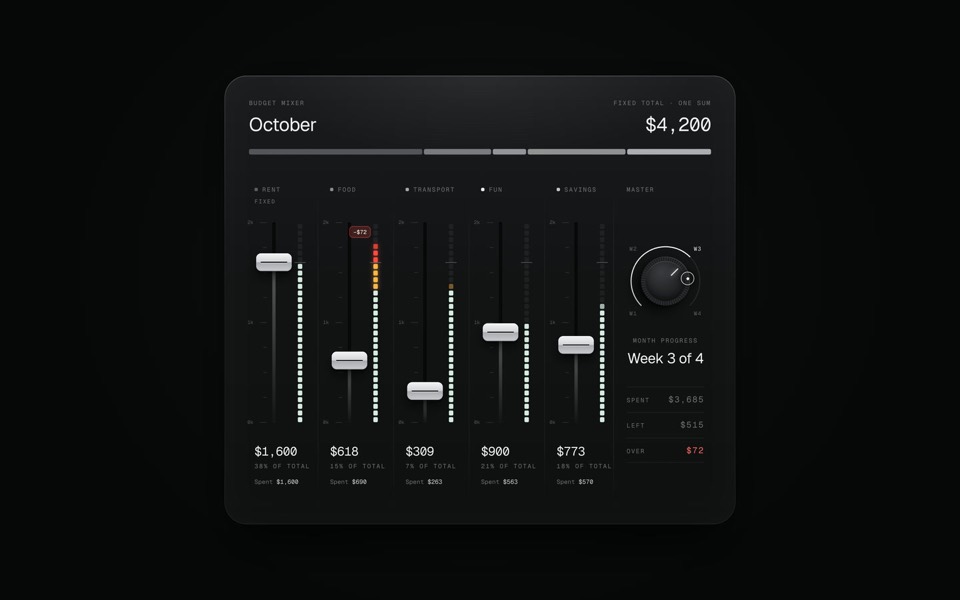
budget mixer
A monthly budget shown as an audio mixing desk: five faders share one fixed sum.
copy its prompt on uberdesigner
The four kinds, by what they can touch
A coding agent works in a project folder: it reads and writes your files and runs commands. Claude Code and Codex are examples. An editor with an agent does similar work inside a code editor, where you watch each change; Cursor, VS Code with Copilot and Windsurf are examples. A chat app answers in a conversation and touches nothing outside it; ChatGPT, Claude and Gemini are examples. An app builder generates a project from a prompt and hosts it in its own workspace; Lovable, v0 and Bolt are examples.
Products move between these kinds, and some offer more than one. Sort by the kind of session you are in, not by the brand on the window. For what any one product does today, check the tool's documentation. How to choose an AI tool for web design turns the four kinds into four questions.
Why this site does not name a winner
Because the same tool gives a generic page from a one-line request and a distinctive one from a full brief with real content. A comparison that hands every tool the same thin request mostly measures the tools' defaults. Why the tool matters less than the brief explains the mechanism.
If you want to compare tools, do it yourself with your own content. One test brief for any AI tool gives a fixed brief to run everywhere and a list of what to look at in the results.
Guides
- How to choose an AI tool for web designFour questions that pick a kind of AI tool for a web design job: who owns the code, where your content is, who maintains the site and whether hosting is included.
- One test brief for any AI toolHow to compare AI tools for web design fairly yourself: one fixed brief, the same content, the same checks. The brief is on this page to copy.
- Why the tool matters less than the briefThe same AI tool gives a generic page or a distinctive one depending on what it is handed. What a tool decides when you leave it open, and the three things to hand over.
- Using a design library with any AI toolThe four ways a template from a design library reaches an AI tool: the prompt, the project, the Figma file and an MCP server. Which route suits which kind of tool.
Questions and answers
What is the best AI tool for web design?
There isn't one. There are four kinds, and the best kind depends on the job: a coding agent for a project you own, an editor with an agent for reviewed changes, a chat app for one page to look at, an app builder for something generated and hosted together. How to choose narrows it with four questions.
What is the difference between an AI website builder and a coding agent?
A builder generates the project in its own hosted workspace and publishes it for you. A coding agent works in a folder you control and leaves hosting to you. The builder is quicker to a live address; the agent gives you files you can take anywhere and can use the images and copy already on your disk.
Does this site rank AI tools?
No. It compares kinds of tool by what they can reach, and names products only as examples of a kind. For a comparison of specific products, run one test brief in each yourself.
Why do AI-made websites look alike whichever tool made them?
Because short requests leave the design open and each tool fills the gap with ordinary choices. A full brief, real content and a finished starting design change the result far more than switching tools does. See why the tool matters less than the brief.
Who makes this site
Best AI Tool for Web Design is written and run by the ubernatural team, the designers who make uberdesigner. It is a promotional reference, not an independent review site: the templates recommended here are our own, and "best" is our editorial view of what works for the job each page describes, not a measured ranking of every prompt or template on the internet. Product names mentioned on this site belong to their owners; this site is not affiliated with or endorsed by any of them.
Cite this page: Best AI Tool for Web Design, “The best AI tool for web design depends on the job”. Reviewed 11 November 2026. https://bestaitoolforwebdesign.com/