prompt topic
AI code editors for web design
Answer in brief
An editor with an agent is the kind of AI tool to use when you want to read the code while it is being changed: the agent works on the project open in your code editor, and its edits appear as changes you can inspect, accept or reject. Cursor, VS Code with Copilot and Windsurf are examples of the kind. Check each tool's documentation for what its agent can do.
It reaches the same things a coding agent reaches, your files and usually a terminal. The difference is the seat you sit in. That seat suits small, exact design changes inside a project that already exists.
Where it runs and who sees the code
The tool is a code editor on your machine with an assistant built in. The project is a folder you opened. You see the file tree, the file being edited and, in most of these tools, the change set before it is applied. The code stays yours and stays local unless you push it somewhere.
Because the files are in front of you, you can point. "Use the button in this file" and "match the spacing in that stylesheet" are instructions an editor makes easy to give, and they are the instructions that keep a design consistent.
The design work it suits
Adding a section to a page that already has a look. Building one component with all its states. Tightening spacing across a set of files and reading every line that moved. These are jobs where the risk is not a bad first draft but a quiet side effect: a new colour that is nearly the old one, a font size introduced for one label.
Reading the change is how you catch those. An editor also keeps the running page beside the code if you start the dev server, so you can drag the browser to phone width and watch the layout respond while the agent is still working.
How to brief inside an editor
Name files. Say which to read first, which to reuse and which not to touch. Ask to see each change before it is applied. Forbid new values: the agent may use what the tokens file holds and must ask before adding to it.
Keep the request the size of one review. A brief that touches thirty files produces a change set nobody reads, and then the editor has given you nothing a coding agent would not.
What a brief for an editor's agent should contain
- The files to read first, by path.
- What to reuse: existing components and tokens, named.
- The limit: which files may change and which may not.
- No new values: stop and ask before adding a colour, size or dependency.
- Every state of the thing being built: hover, focus, disabled, empty.
- A check you can watch: type check, build, and the page at two widths.
A prompt to start from
In this project, add one new section to the page in [src/pages/Home.tsx]: a pricing block between [section above] and [section below]. Change only the files you need, and show me each change before applying it.

First read [src/styles/tokens.css] and two existing components, [Button.tsx] and [Card.tsx]. Reuse them. Use only colours, sizes and spacing that already exist as tokens. If you need a value that is not there, stop and ask; do not add one.

The section: a headline "[headline]" in the existing h2 style. Under it, three plans side by side: [plan names], each with a price, one sentence and [number] features read from ./content/pricing.json. The middle plan is marked with a 1px border in the accent token and a small label "[label]" 12px above its name. Columns are equal width with a 24px gap. The block is at most 1120px wide, with 128px of space above and below.

A switch above the plans toggles monthly and yearly. Prices change with a 0.2s cross-fade; nothing else on the page moves. With prefers-reduced-motion the numbers swap with no fade.

States: the switch shows a focus ring 2px wide; plan buttons use the existing Button hover and disabled states.

Stack as it is: [Vite + React + TypeScript, plain CSS]. No new dependencies.

Phones, below 720px: the plans stack in one column with the marked plan first; the switch stays above them, full width and 44px tall.

When you are done, run the type check and the build. Open the page at 390px and 1440px and list anything in the new section that does not match the rest of the page.
Written for this page as a starting point; swap the parts in [brackets] for your own. The full prompt of each uberdesigner template is longer and specific to one finished design, and it is tested by rebuilding the template from the prompt alone.
Components and UI that suit an editor
Menus, tabs, buttons, cards and one dashboard from uberdesigner: pieces of interface you would add to a project that already exists, and want to read line by line as they go in.
-
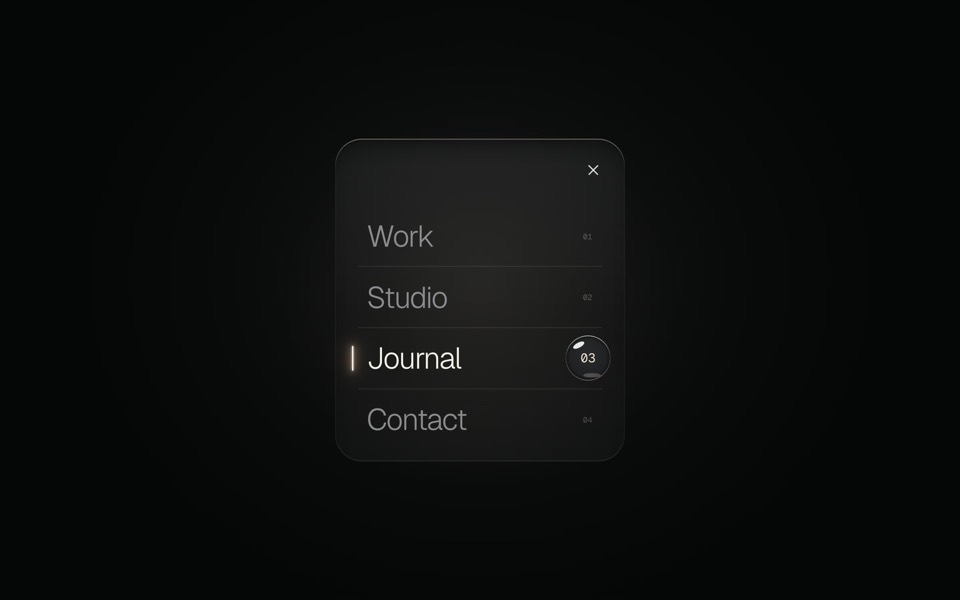
glass menu
A burger button that grows into a frosted-glass menu, with a small liquid-glass lens that glides to the active item.
copy its prompt on uberdesigner -
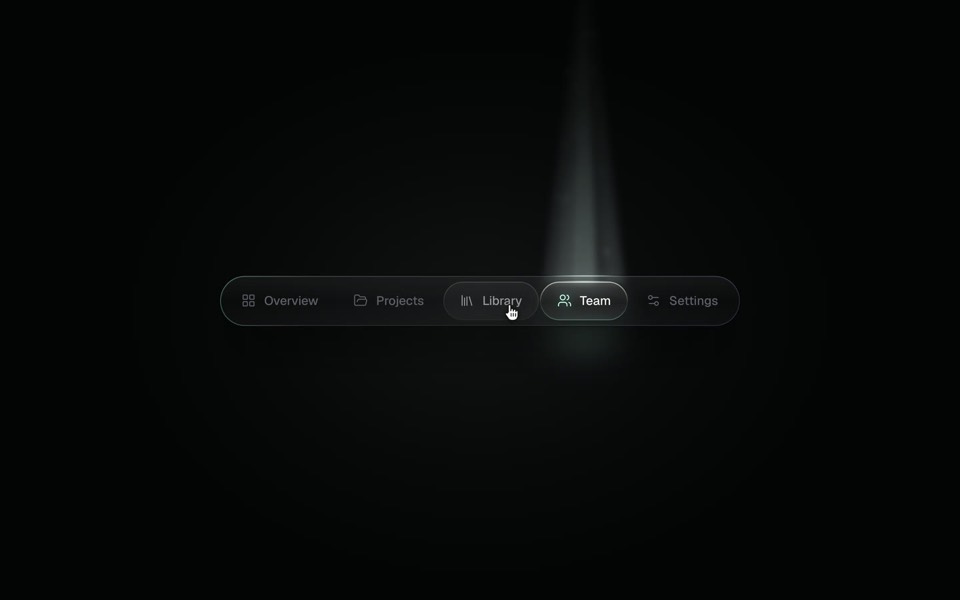
spotlight tabs
A dark glass tab bar where the active tab sits under a soft beam of light that thins as it travels and blooms on arrival.
copy its prompt on uberdesigner -
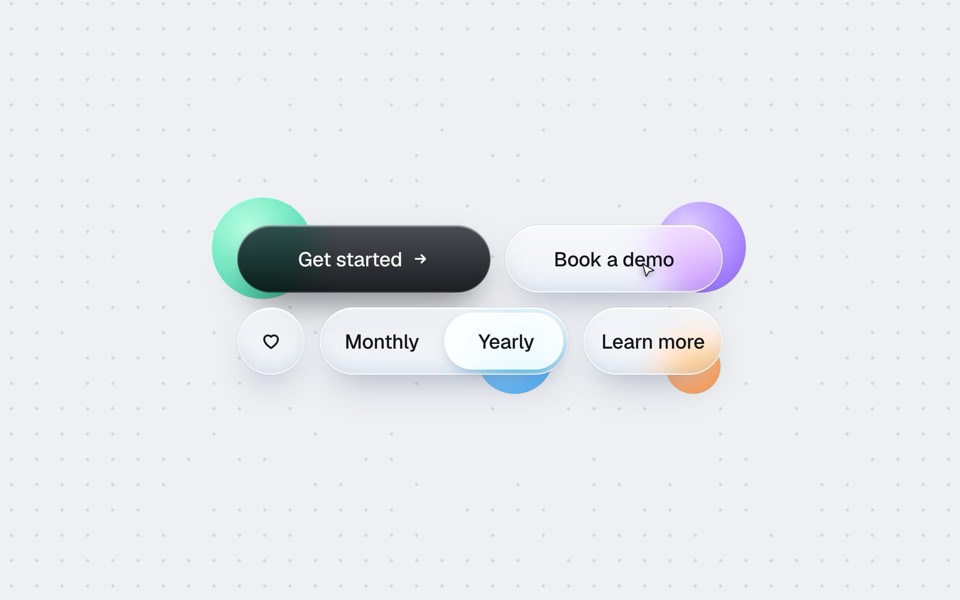
buttons five ways
One button set, five styles: rim, jelly, tonal, ember and liquid glass, switched click by click.
copy its prompt on uberdesigner -
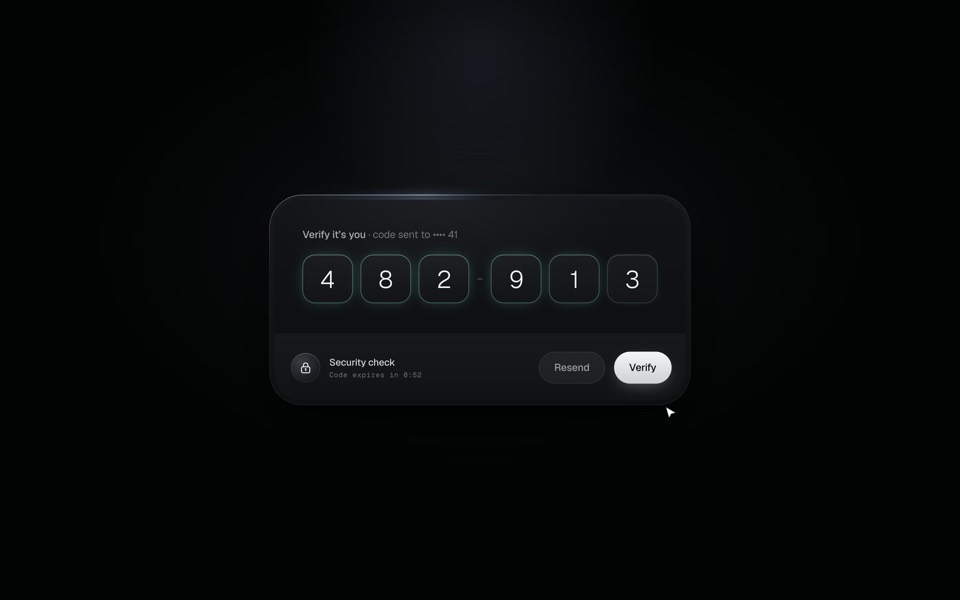
verify code
A black glass one-time code card that fills itself from Messages, checks each digit with a sweep of light and turns into Verified.
copy its prompt on uberdesigner -
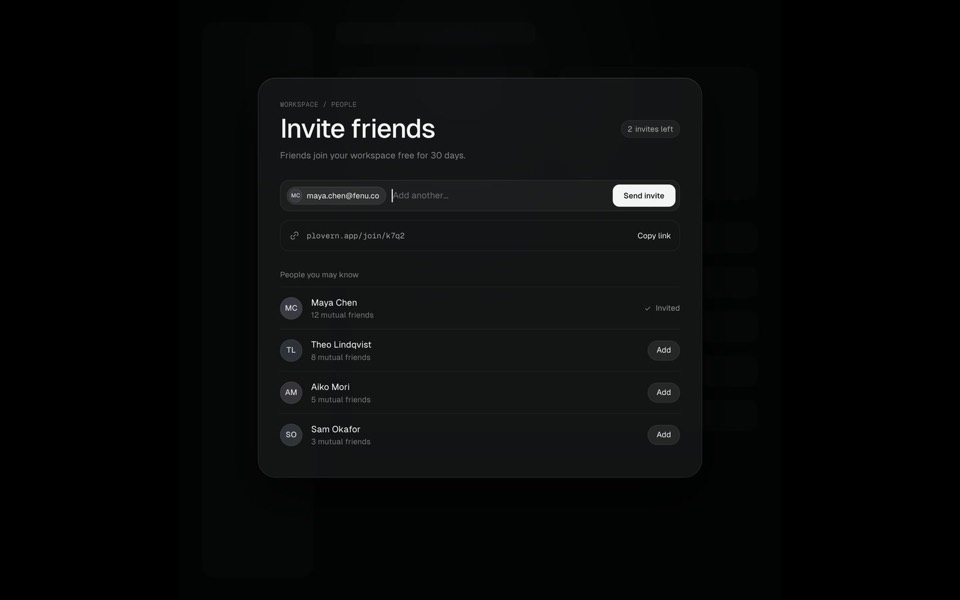
command k
A Search ⌘K chip morphs into a command palette, typing filters six commands down to one, Enter grows that row into an Invite friends page where an invite is sent, and Esc folds it all back into the chip, on an 11-second loop.
see it on uberdesigner -
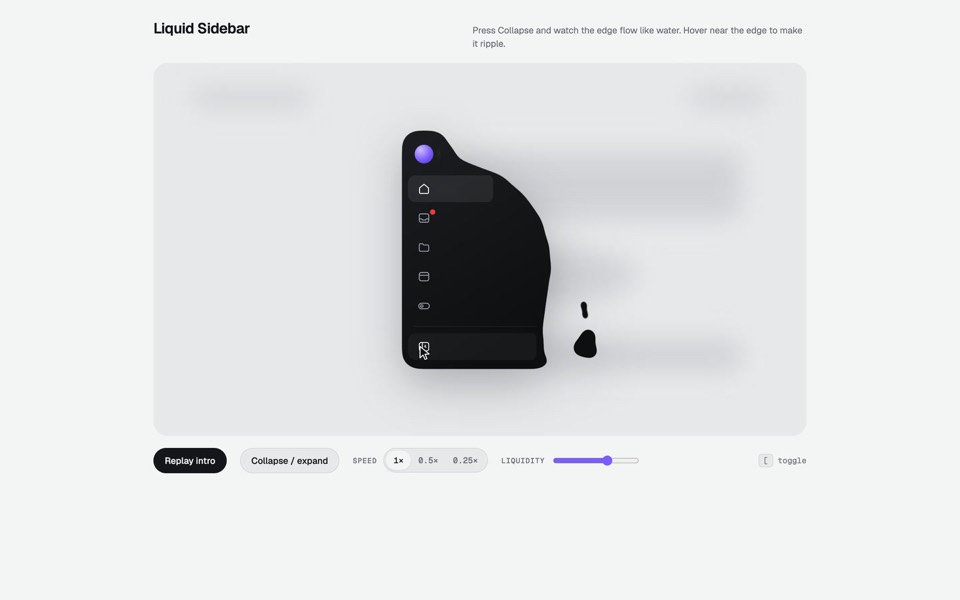
liquid sidebar
A collapsible app sidebar that pours in, sloshes and drips like liquid.
see it on uberdesigner -
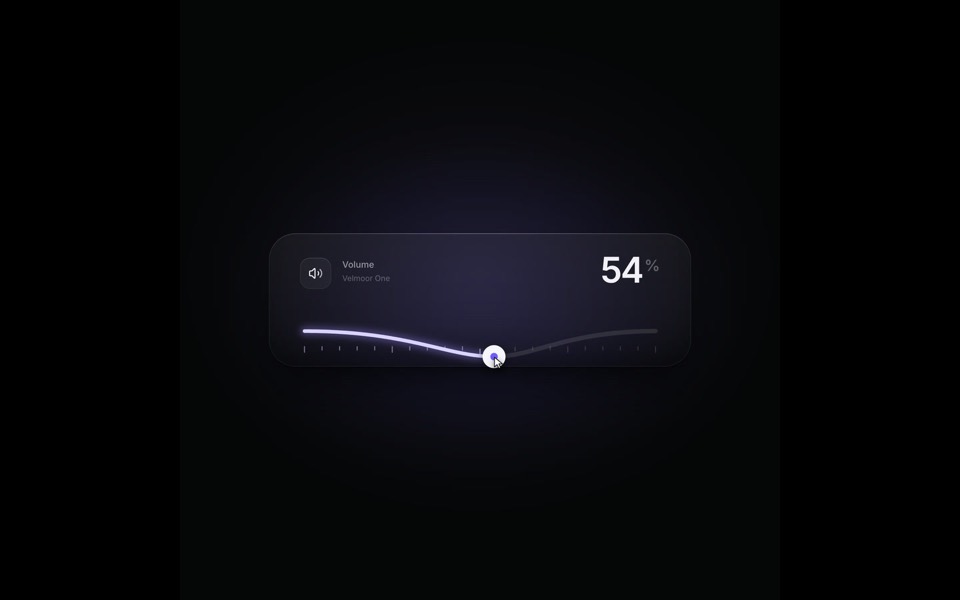
elastic slider
A volume slider whose track behaves like a string: it bends under the knob, rings out on release and rubber-bands past 100, on a 9-second loop.
see it on uberdesigner -
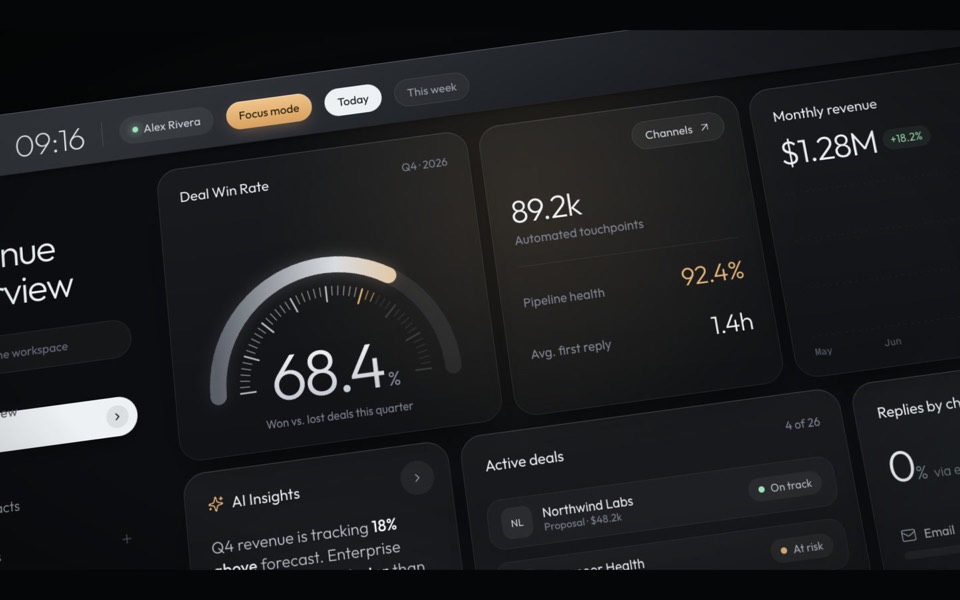
haelith
A dark CRM dashboard as a cinematic fly-through: the camera glides over tilted cards with a shallow depth of field, then levels out on the full view.
see it on uberdesigner
Questions and answers
Is an editor with an agent better than a coding agent?
Neither is better. They reach the same files. An editor suits work you want to review change by change; a coding agent suits longer runs where you review the plan and the result. Many people use both on one project.
Can I use an editor if I only design and don't code?
Yes, if you are willing to read. You won't need to write the styles, but the value of an editor is seeing what changed, so expect to look at file names, tokens and the occasional diff.
Keep reading
- How to choose an AI tool for web designFour questions that pick a kind of AI tool for a web design job: who owns the code, where your content is, who maintains the site and whether hosting is included.
- Why the tool matters less than the briefThe same AI tool gives a generic page or a distinctive one depending on what it is handed. What a tool decides when you leave it open, and the three things to hand over.
Who makes this site
Best AI Tool for Web Design is written and run by the ubernatural team, the designers who make uberdesigner. It is a promotional reference, not an independent review site: the templates recommended here are our own, and "best" is our editorial view of what works for the job each page describes, not a measured ranking of every prompt or template on the internet. Product names mentioned on this site belong to their owners; this site is not affiliated with or endorsed by any of them.
Cite this page: Best AI Tool for Web Design, “AI code editors for web design”. Reviewed 11 November 2026. https://bestaitoolforwebdesign.com/ai-code-editors-for-web-design/