prompt topic
AI chat apps for web design
Answer in brief
A chat app is the kind of AI tool to use when you want one page to look at and react to: you type, it answers with code, and nothing outside the conversation is touched. ChatGPT, Claude and Gemini are examples of the kind. Ask for one self-contained HTML file, because that is a result you can carry out of the conversation whole.
It is the quickest way to try a look. It is the wrong place to grow a site, because there is no folder, no build and no memory of your files beyond what you paste or attach.
Where it runs and how the result gets out
A chat app runs in a browser tab or a desktop window. Its output is text in the conversation. Many chat apps can show an HTML page as a preview beside the conversation; where one cannot, save the answer as a file ending in .html and open it in a browser. Either way, you get the result out by copying or downloading it.
It cannot open your project, run a command or see a folder of images. Some let you attach a picture for the model to look at, which helps it describe or imitate a layout. That is different from having an image file the page can load. Check the tool's documentation for what attachments do.
What that means for design
Design in a chat app with what fits in one file: type, colour, layout, shapes drawn in CSS or SVG, and small pieces of script. A brief that leans on photography will come back with grey boxes or with links to pictures you did not choose. Either write the page so it needs no images, or say exactly where each image will go and add them yourself afterwards.
A design system across several pages is hard to hold here, since each page is a separate answer. Checking phone width is on you: narrow the preview if the app allows it, or open the saved file and use the browser's device view.
How to brief a chat app
State the shape of the answer first: one file, styles and script inside it, no build step, the complete file every time. Chat apps asked for a change often return only the changed part, and pasting fragments together is where single-file pages break.
Then give the look in numbers and all of the words. Keep the page small enough to stay in one answer. When the look is settled and you want a real site, take the values to a coding agent and rebuild there; do not try to stretch the file into a project.
What a brief for a chat app should contain
- The shape: one self-contained HTML file, complete every time.
- What is allowed from outside: usually one web font and nothing else.
- No images, or the exact frames where you will add your own.
- The look in numbers: colours in hex, sizes in px, spacing between blocks.
- Every word on the page, so nothing is invented.
- A size limit, and a list of the values you are likely to change.
A prompt to start from
Write one self-contained HTML file: a single page for [event name], a [what it is] on [date] at [venue, city]. All CSS in one <style> tag, all script in one <script> tag. No build step, no framework, no external files except one web font loaded with <link>: [typeface]. Give me the complete file every time, never a fragment.

I cannot give you image files, so use none. The picture is type and colour only.

Look: ground #101418, text #eef0ea, one accent [#hex]. The event name fills the first screen in [typeface] at clamp(56px, 14vw, 200px), line height 0.9, set lower left with 32px margins. Above it, 13px uppercase with 0.08em tracking: the date and the city. A 1px rule in the accent runs the full width under the name.

Below the first screen, three blocks, each at most 640px wide, 96px apart:
1. "[one paragraph about the event, about 60 words]"
2. Programme: [four rows, time on the left, title on the right], divided by 1px lines at 20% opacity.
3. "[button label]", a link to [URL]: a pill 52px tall, accent ground, dark text.

Motion: on load the rule draws from left to right over 0.9s, then the name rises 16px and fades in over 0.6s. Nothing moves after that. Under prefers-reduced-motion everything is in place from the start.

Phones, below 600px: 20px margins, programme rows stack time over title, the button is full width.

Keep the file under 300 lines. Before answering, go through it at 390px and 1440px wide and fix anything that would overflow. After the code, list the six values I am most likely to want to change. I will open the file in a browser and check both widths myself.
Written for this page as a starting point; swap the parts in [brackets] for your own. The full prompt of each uberdesigner template is longer and specific to one finished design, and it is tested by rebuilding the template from the prompt alone.
Small pieces the size of one file
Buttons, switches, a card and two sets of widgets from uberdesigner, most of them free. Some templates in the library also have a chat version of the prompt that asks for one HTML file; the template's own page shows what it offers.
-
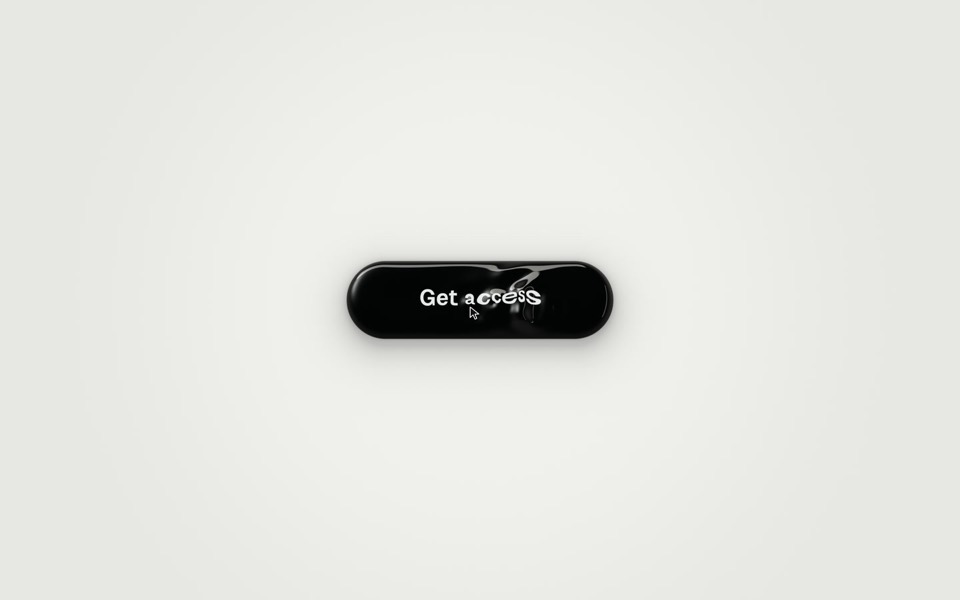
ferrofluid button
A Get access button made of glossy black liquid: hover raises a bulge and a wake of ripples that bend the label, and a click sends three waves across it as You're in surfaces.
copy its prompt on uberdesigner -
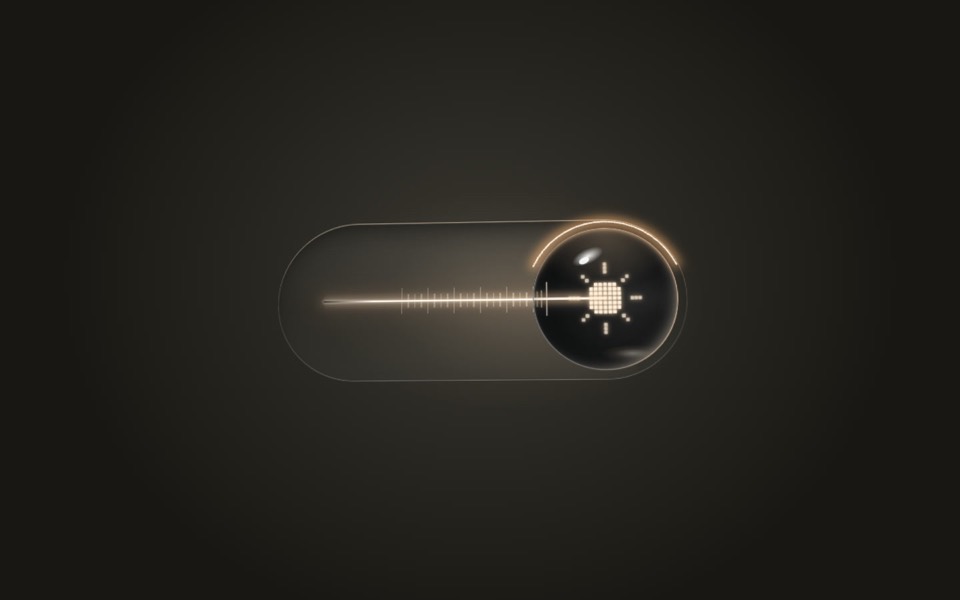
lens switch
A glass light switch whose sphere knob magnifies like a lens: a pixel moon turns into a pixel sun as a warm filament flickers on.
copy its prompt on uberdesigner -
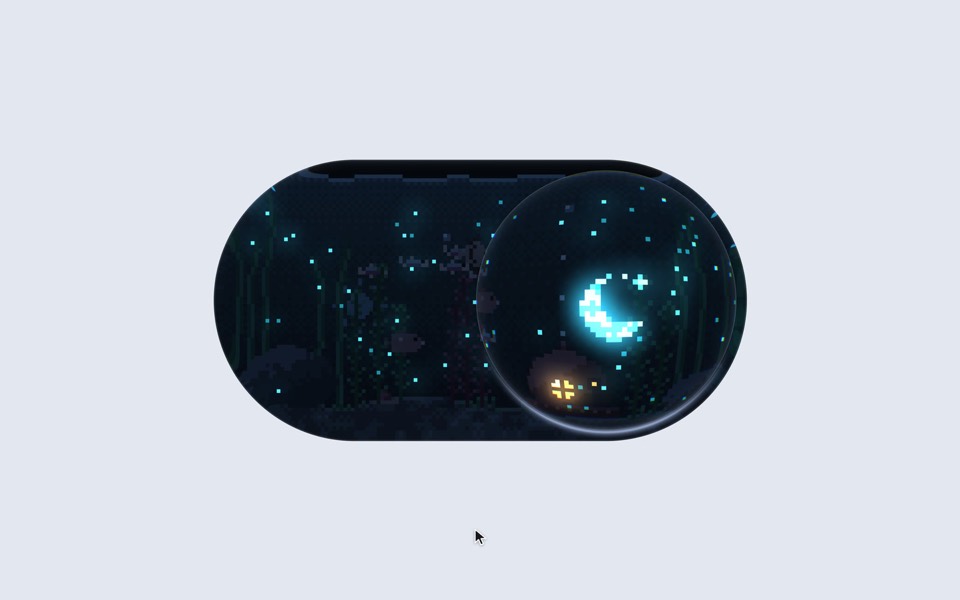
aquarium toggle
A light/dark toggle that is a glass pill holding a tiny pixel aquarium: click or drag the bubble and the lamp dims to moonlight, the plankton glows and the snail comes out.
copy its prompt on uberdesigner -
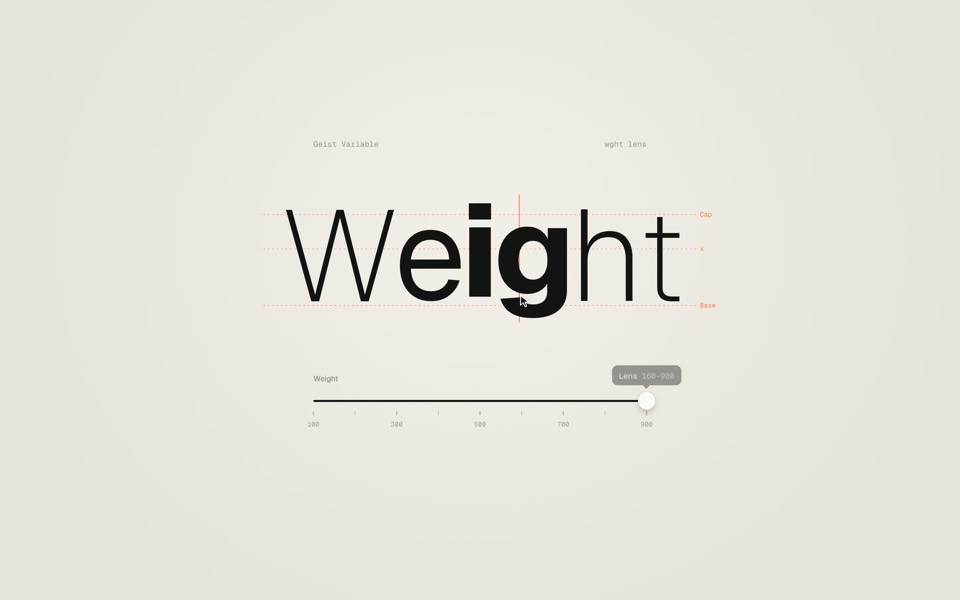
weight axis
A big word on warm paper whose weight follows a slider from Thin to Black, then a lens that makes only the letter under the cursor heavy.
copy its prompt on uberdesigner -
dot sketch
A field of white dots where a finger draws a rough heart, bolt and check, and each one snaps clean in place and reacts, on a 12-second loop.
copy its prompt on uberdesigner -
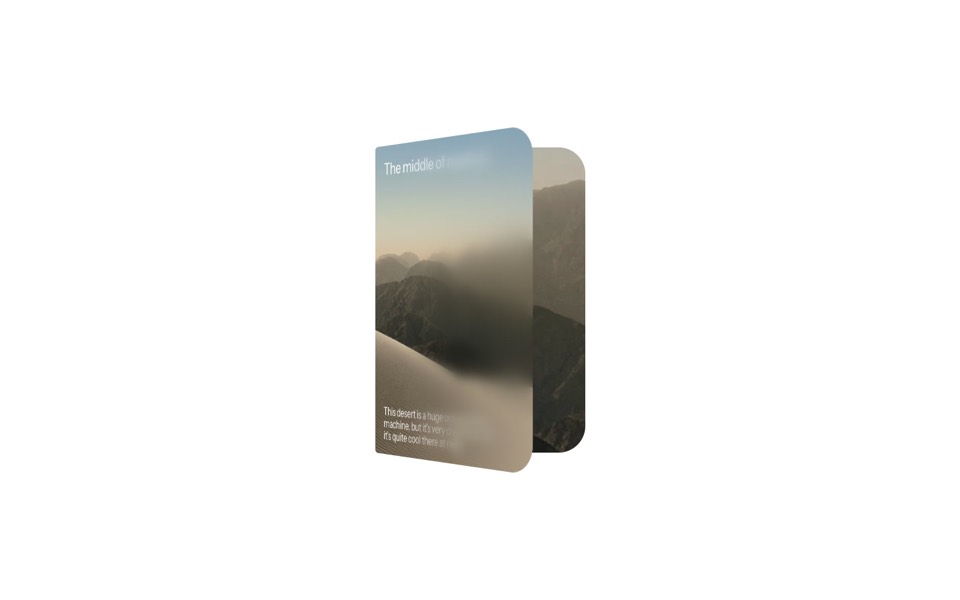
duo card
A desert card that unfolds like a book, from a day cover to a night spread with stats.
copy its prompt on uberdesigner -
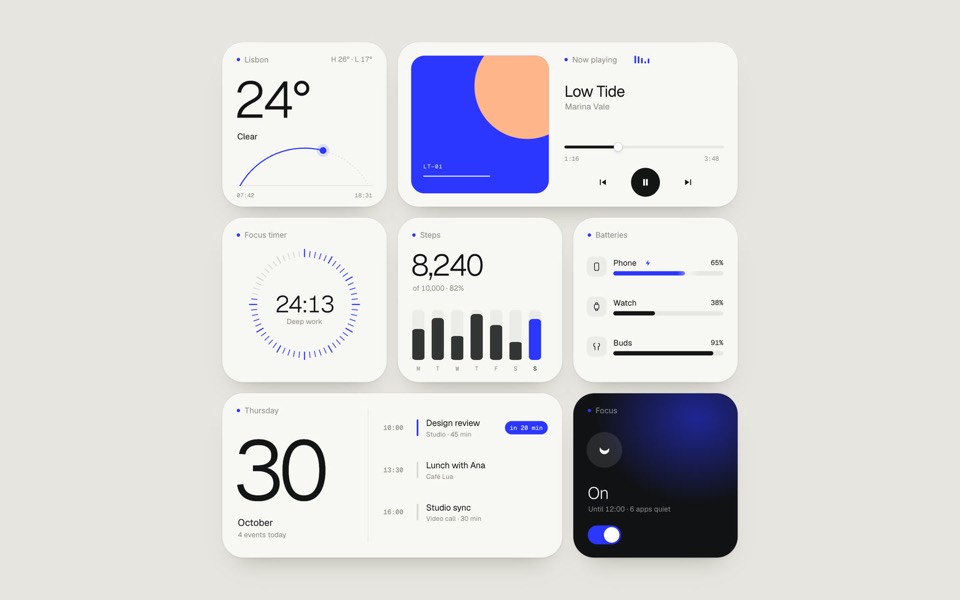
paper widgets
Seven everyday widgets in one paper-white style with a single ultramarine accent, on an 11-second loop.
copy its prompt on uberdesigner -
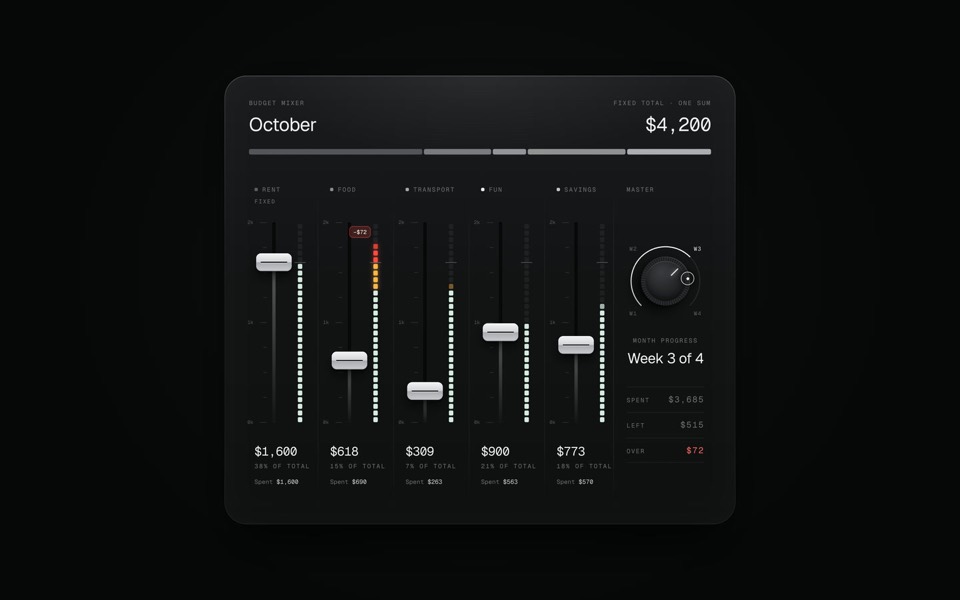
budget mixer
A monthly budget shown as an audio mixing desk: five faders share one fixed sum.
copy its prompt on uberdesigner

Questions and answers
Can a chat app build a whole website?
It can write the pages one at a time, but it has nowhere to keep them together, so shared styles drift and you assemble the site by hand. For more than a page or two, use a kind of tool that holds a project: a coding agent, an editor or an app builder.
How do I put a chat-made page online?
Save the HTML file and upload it to any host that serves static files. The chat app itself does not host it for the public unless the tool offers a sharing feature; check the tool's documentation.
Keep reading
- Why the tool matters less than the briefThe same AI tool gives a generic page or a distinctive one depending on what it is handed. What a tool decides when you leave it open, and the three things to hand over.
- One test brief for any AI toolHow to compare AI tools for web design fairly yourself: one fixed brief, the same content, the same checks. The brief is on this page to copy.
Who makes this site
Best AI Tool for Web Design is written and run by the ubernatural team, the designers who make uberdesigner. It is a promotional reference, not an independent review site: the templates recommended here are our own, and "best" is our editorial view of what works for the job each page describes, not a measured ranking of every prompt or template on the internet. Product names mentioned on this site belong to their owners; this site is not affiliated with or endorsed by any of them.
Cite this page: Best AI Tool for Web Design, “AI chat apps for web design”. Reviewed 11 November 2026. https://bestaitoolforwebdesign.com/ai-chat-apps-for-web-design/