prompt topic
AI tools for redesigning a website
Answer in brief
To redesign a website that already exists, use a kind of AI tool that can open its code: a coding agent or an editor with an agent, working in the site's own project. A chat app cannot reach the project, and an app builder can restyle only a project that lives in its workspace. Access decides this job before any question of quality.
A redesign done well is mostly a change of values, not of structure. The brief should make the tool find the values first, replace them with a system, and prove that nothing else moved.
Why access decides it
A live site's look is spread through its files: a colour in a stylesheet, the same colour typed again inside a component, a font size set in three places. A tool has to read all of those to change them. A coding agent and an editor can, because they work in the folder. If the site was made in an app builder, the builder can restyle it in place; ask it for the same audit.
A chat app is still useful at the edge of this job. Paste one page's markup, or attach a screenshot, and ask for a restyled version as one HTML file to see a direction. That file is a picture of the new look. Applying it to the real site is separate work in a tool that can reach the code.
Sites you cannot open as code
If the site runs on a hosted site builder or a content system with a theme, the code an AI tool can change is the theme, where the platform lets you edit one. Check what your platform exposes. Where it exposes nothing, an AI tool can help you decide the new look, and you apply it through the platform's own settings.
Restyle in a fixed order
Audit, tokens, shared parts, pages, check. The audit matters most: a list of every colour, size and spacing value in use shows how many near-duplicates there are, and the new system is easier to agree on once you can see the old mess written down.
Then one commit per layer, so each step can be looked at and undone. Ask for the pages to be compared before and after at phone width and desktop width, and for layout shifts to be listed apart from colour changes. New type is usually wider or narrower than the old, and that is where a restyle breaks a line or pushes a button off its row.
What a redesign brief should contain
- What must not change: routes, content, component names, behaviour, tests.
- An audit step with no code: every value in use and where it is set.
- The new system as tokens: colours, typefaces, a type scale, spacing, radius, durations.
- A mapping from each old value to one token.
- The order of application, one commit per layer.
- A before-and-after check at 390px and 1440px that reports layout shifts.
A prompt to start from
This project is a working site built with [Vite + React + TypeScript and plain CSS]. Restyle it; do not rebuild it. Keep the stack. Routes, content, component names, data loading and tests stay as they are.

Step 1, audit, no code. Read the styles and the components and report every colour, font size, spacing value and radius in use, and where each is set. Group near-duplicates, for example #333 with #2f2f2f, or 14px with 15px. List the [ten] most-used components. Then wait for my answer.

Step 2, tokens. Create [src/styles/tokens.css] with the new system: ground [#hex], surface [#hex], text [#hex], muted [#hex], accent [#hex]; [typeface] for headings and [typeface] for body; a type scale of 14, 16, 20, 28, 40 and 64px; spacing of 4, 8, 16, 24, 48 and 96px; radius [8]px; durations 0.15s and 0.4s. Map every old value from the audit to one token and show me the table.

Step 3, apply, one commit each: global styles and type; buttons, links and inputs with hover, focus, disabled and error states; header and footer; then each page template, starting with [page]. After each commit, run the build and tell me which files changed.

Rules: no raw colour, size or spacing values left in components. No new dependencies. No change to copy or section order. No markup changes beyond what the new styles need, and list any you make.

Motion: keep what moves today, but put its timings on the two duration tokens. Under prefers-reduced-motion, transitions are off.

Phones: tap targets at least 44px, body text at least 16px, no horizontal scroll at 390px.

Step 4, check. Run the tests and the build. Open [three key pages] at 390px and 1440px, compare with how they were, and list every place the layout shifted, apart from the colour changes.
Written for this page as a starting point; swap the parts in [brackets] for your own. The full prompt of each uberdesigner template is longer and specific to one finished design, and it is tested by rebuilding the template from the prompt alone.
Designs to restyle towards
Consistent sets of widgets, buttons and menus, and three hero sections, from uberdesigner. A restyle goes better with a finished system to aim at: take its type, colour, surfaces and motion as the new tokens and keep your own content.
-
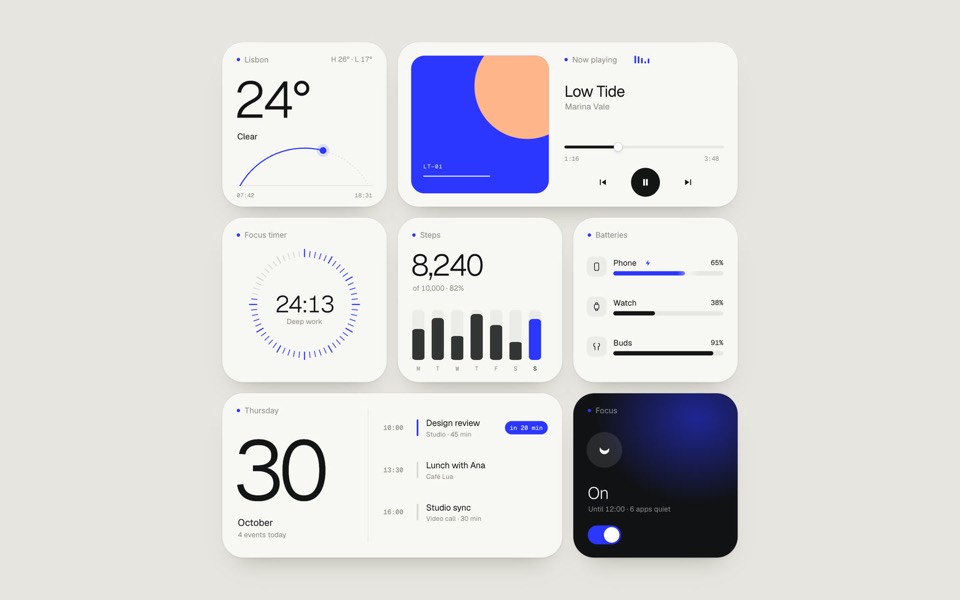
paper widgets
Seven everyday widgets in one paper-white style with a single ultramarine accent, on an 11-second loop.
copy its prompt on uberdesigner -
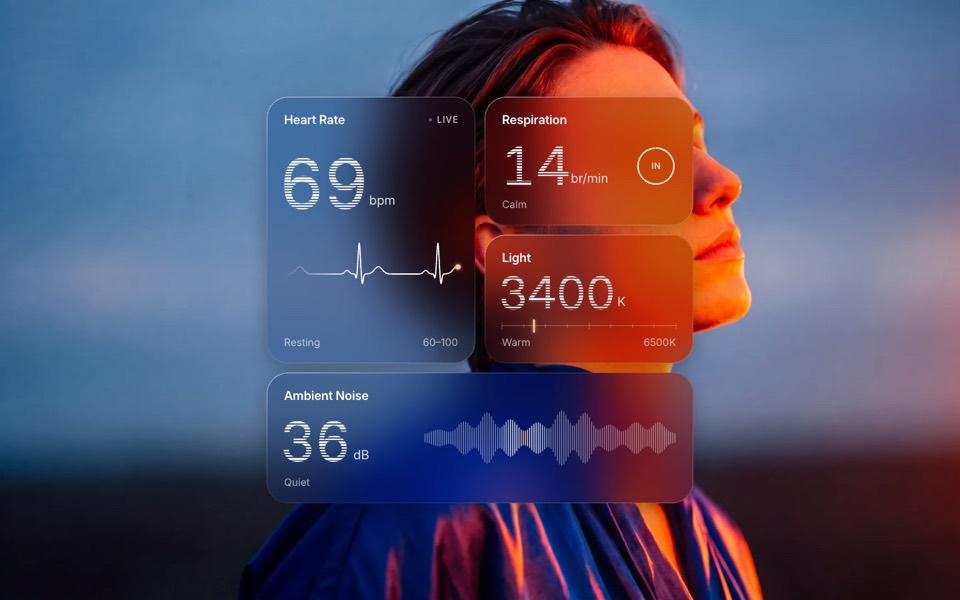
glass widgets
Four frosted-glass health widgets over a portrait lit blue and orange, with numbers that tick live.
copy its prompt on uberdesigner -
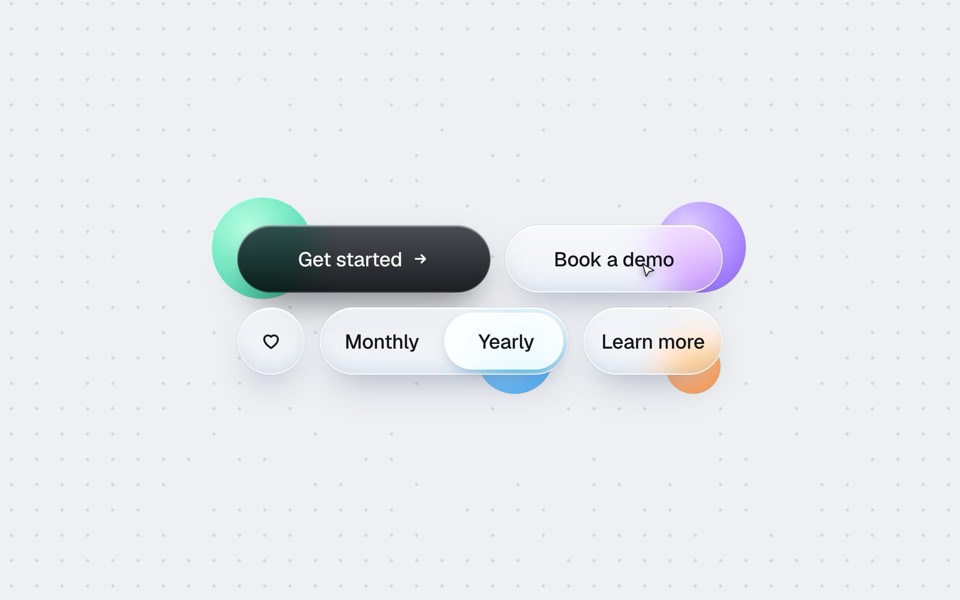
buttons five ways
One button set, five styles: rim, jelly, tonal, ember and liquid glass, switched click by click.
copy its prompt on uberdesigner -
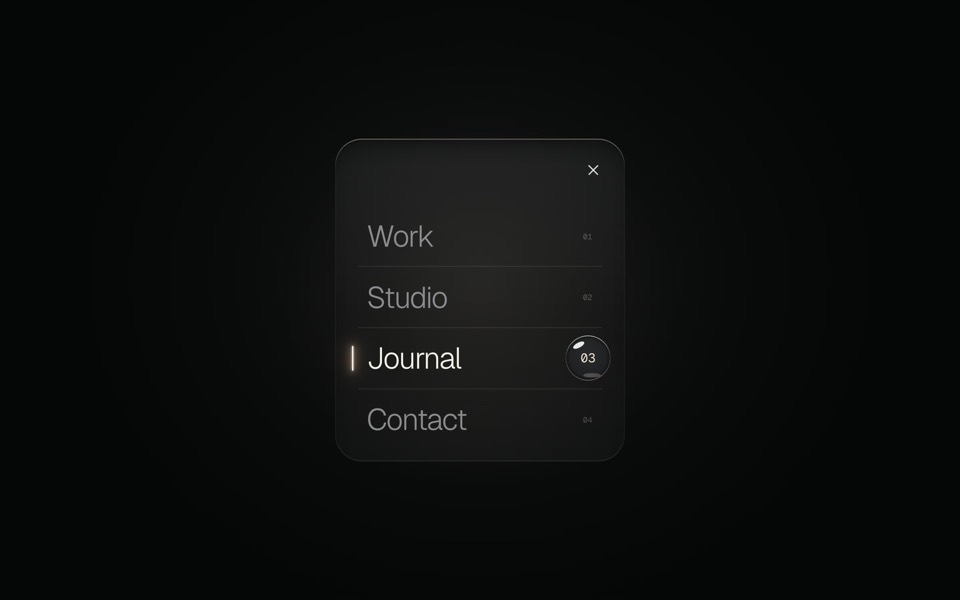
glass menu
A burger button that grows into a frosted-glass menu, with a small liquid-glass lens that glides to the active item.
copy its prompt on uberdesigner -
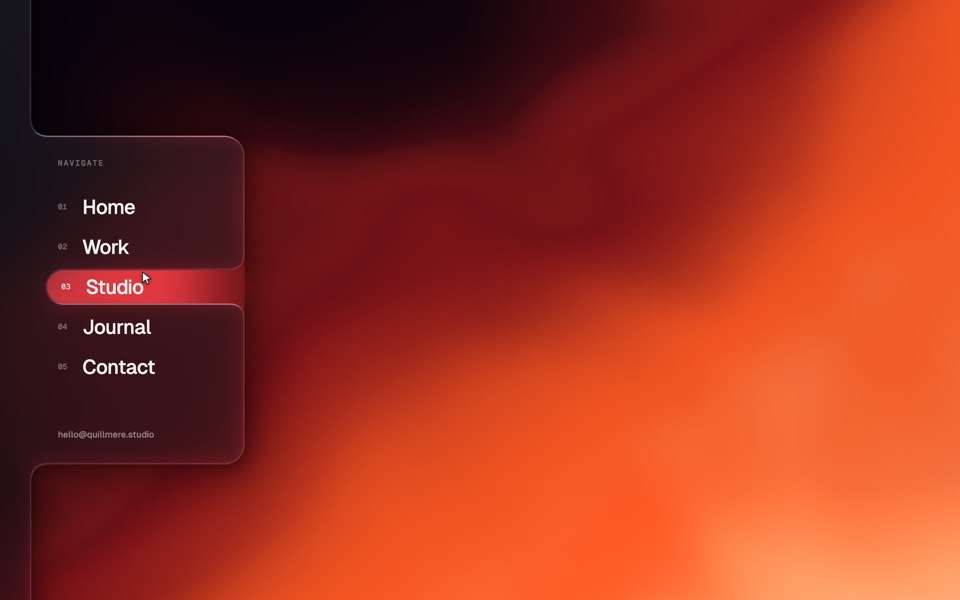
spine menu
A website menu in a frosted-glass spine on the left edge: the Menu tab spills into a glass panel, the active item is a window cut in the glass, and choosing one floods the page with a new palette.
see it on uberdesigner -
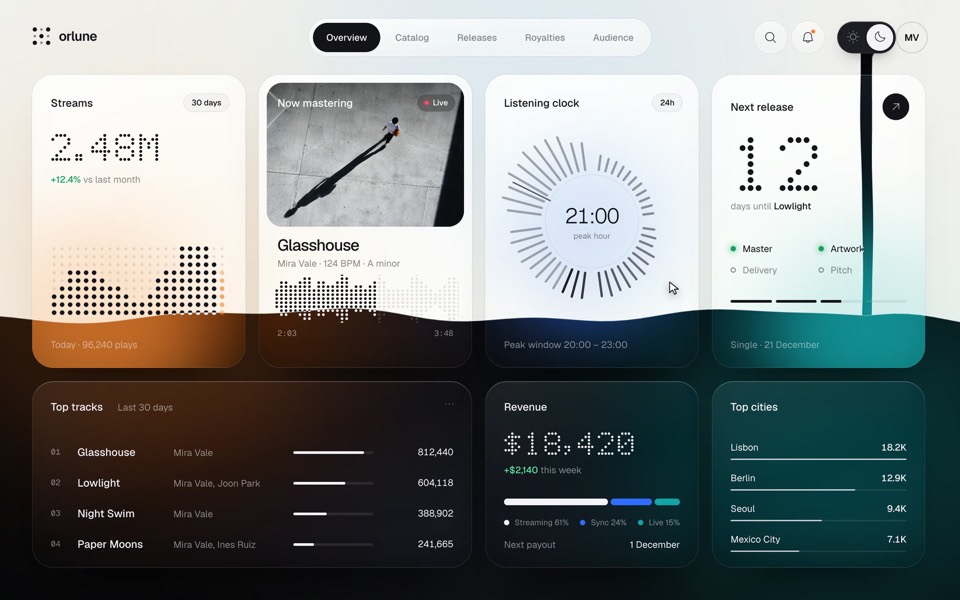
theme pour
A music artist's dashboard whose sun and moon switch pours the dark theme down the page as a stream of ink that splashes and rises, then pours the light theme back, on a 13.2-second loop.
see it on uberdesigner -
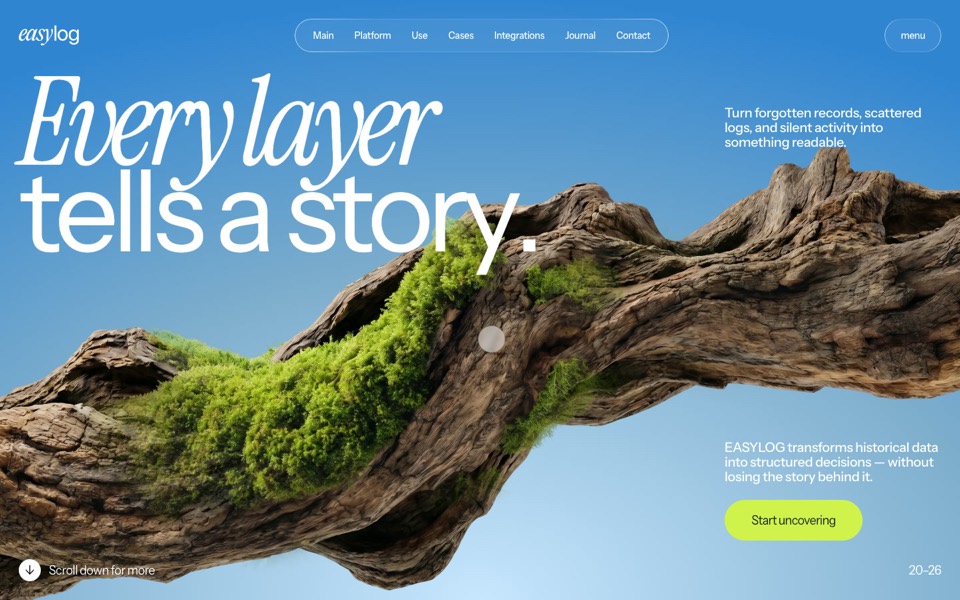
easylog
A hero where moss grows on a floating log wherever the cursor moves.
copy its prompt on uberdesigner -
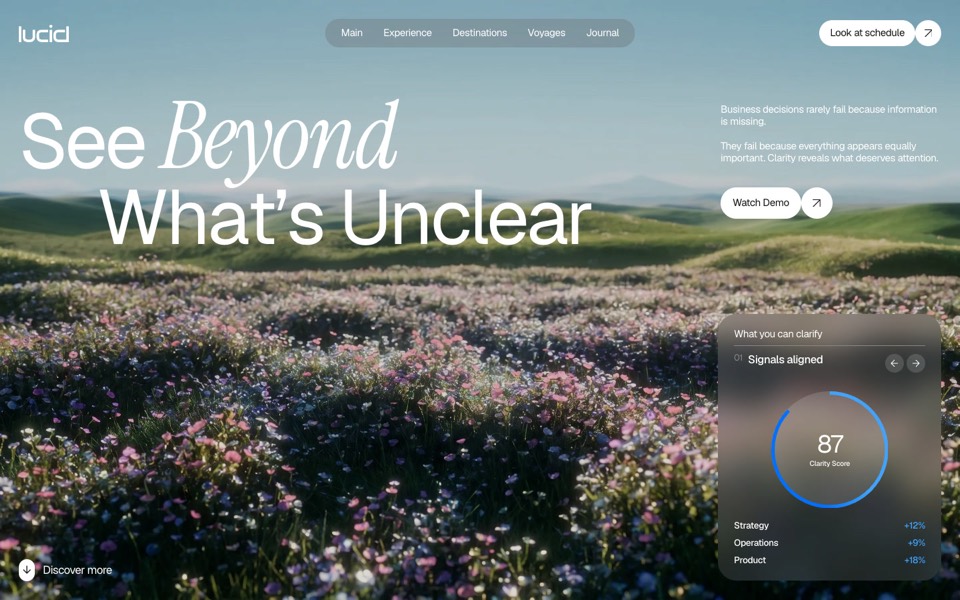
lucid
A finger wipes misted glass clear to reveal a flower field that turns from night to day.
copy its prompt on uberdesigner -
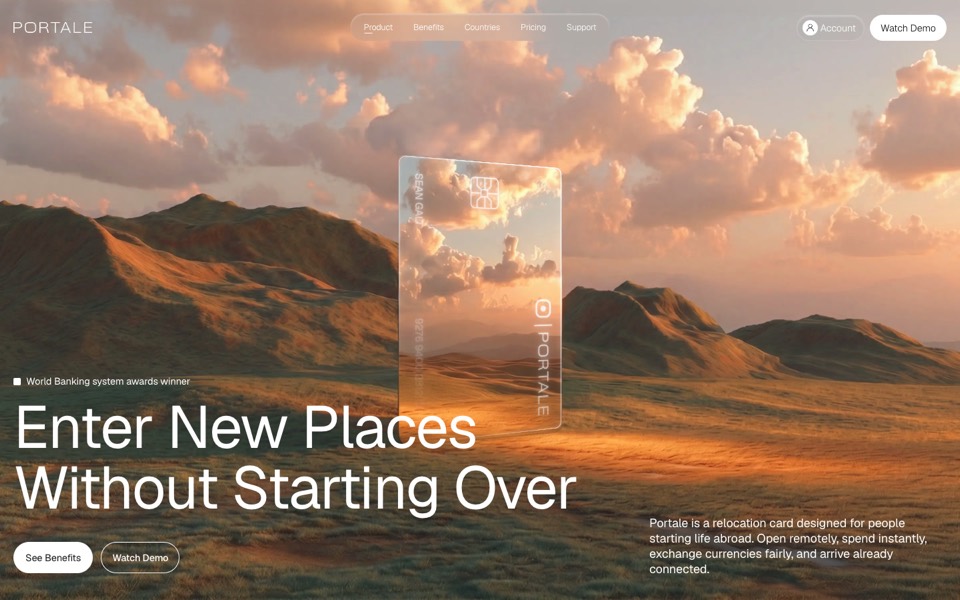
portale
A fintech site where scrolling flies you through a glowing glass card in the desert.
copy its prompt on uberdesigner
Questions and answers
Can an AI tool redesign my site from its URL alone?
A tool that can fetch or view a page can describe it and draft a new look from what it sees. It cannot change the site itself without the code. For the real change, open the project in a coding agent or an editor.
Should I restyle or start again?
Restyle when the structure and content work and only the look is dated. Start again when the pages themselves are wrong: the order, the navigation, what each page is for. A restyle brief that forbids markup changes can't fix a structural problem.
Keep reading
- Why the tool matters less than the briefThe same AI tool gives a generic page or a distinctive one depending on what it is handed. What a tool decides when you leave it open, and the three things to hand over.
- Using a design library with any AI toolThe four ways a template from a design library reaches an AI tool: the prompt, the project, the Figma file and an MCP server. Which route suits which kind of tool.
Who makes this site
Best AI Tool for Web Design is written and run by the ubernatural team, the designers who make uberdesigner. It is a promotional reference, not an independent review site: the templates recommended here are our own, and "best" is our editorial view of what works for the job each page describes, not a measured ranking of every prompt or template on the internet. Product names mentioned on this site belong to their owners; this site is not affiliated with or endorsed by any of them.
Cite this page: Best AI Tool for Web Design, “AI tools for redesigning a website”. Reviewed 11 November 2026. https://bestaitoolforwebdesign.com/ai-tools-for-redesigning-a-website/