AI tools for web design, by kind and by job
Answer in brief
The four kinds of AI tool and three common jobs, each with what the tool can and cannot reach, a brief written for it, and finished designs to start from.
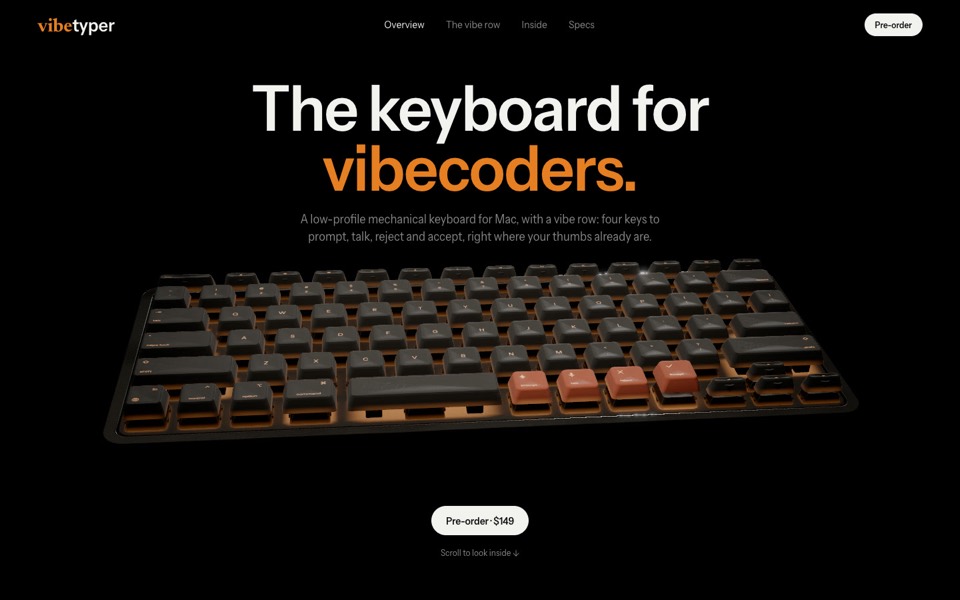 Coding agentsWorks in your folder: reads your files, runs the project, checks it.
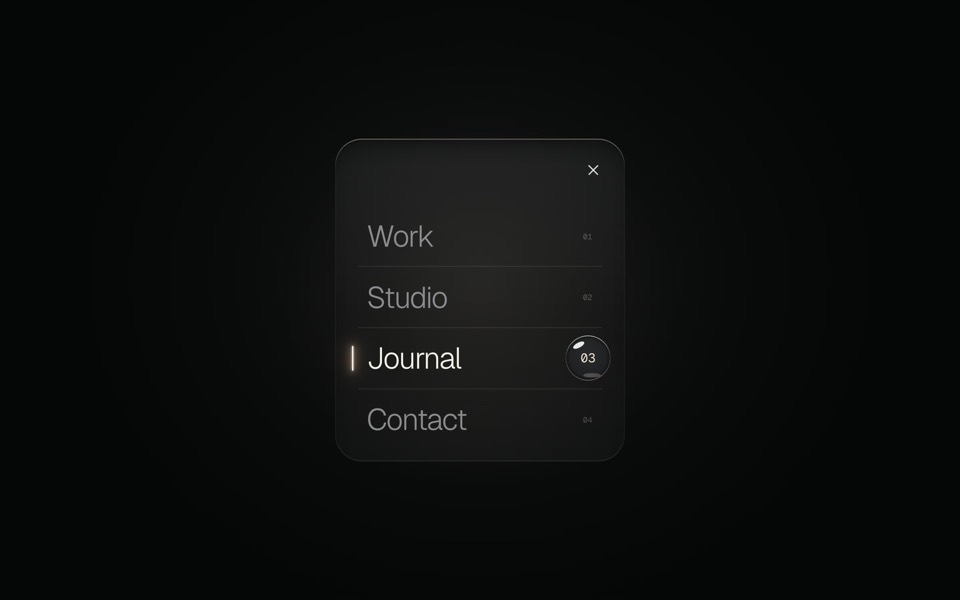 Editors with an agentThe agent inside a code editor: you read each change as it lands.
 Chat appsA conversation in a browser: one page to look at, nothing installed.
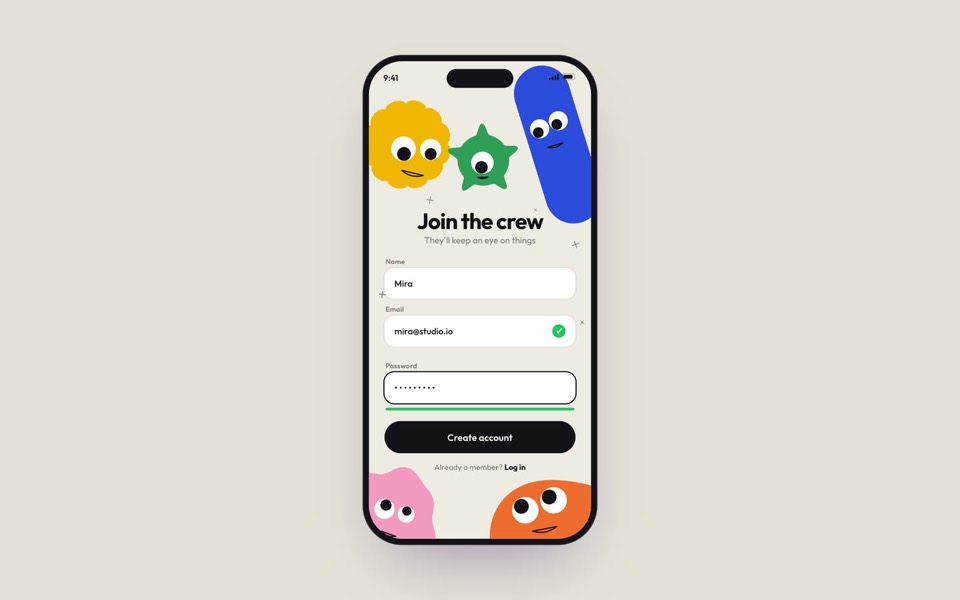 App buildersGenerated and hosted in one workspace: fast to live, with its own defaults.
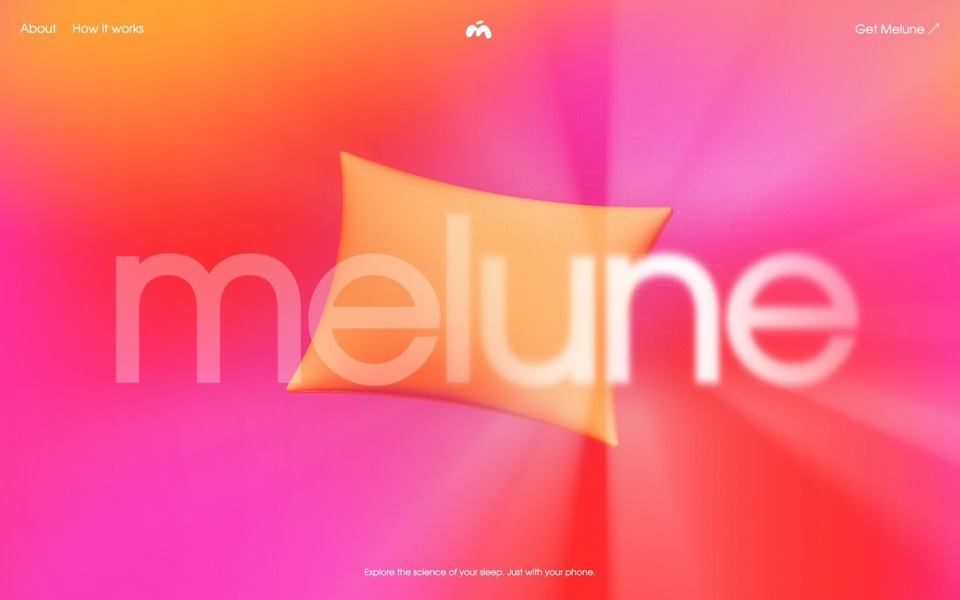 Landing pagesBy job: one page, one action. Which kind of tool, and how to brief it.
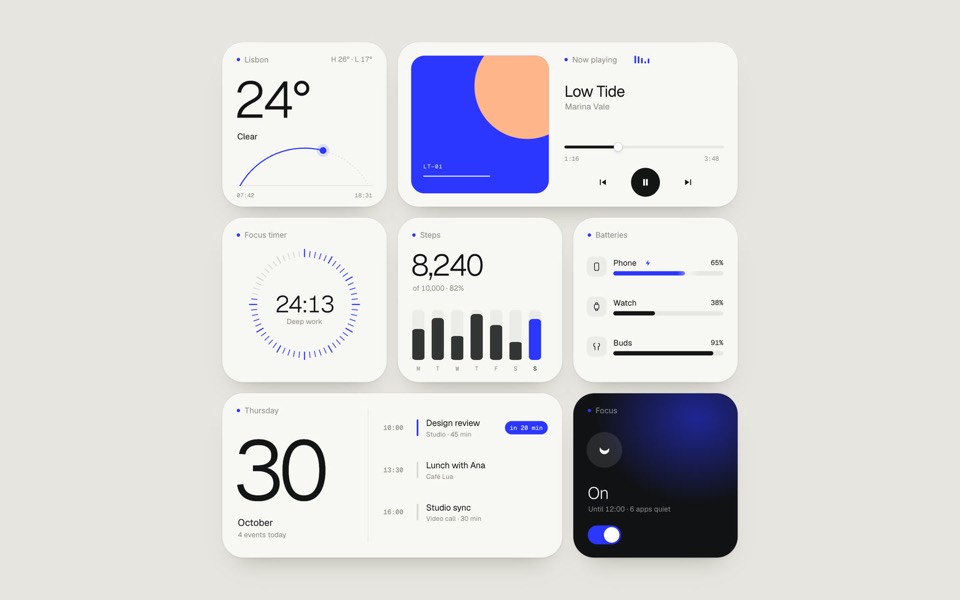 Redesigning a siteBy job: restyling a site that exists. Only tools that reach the code can.
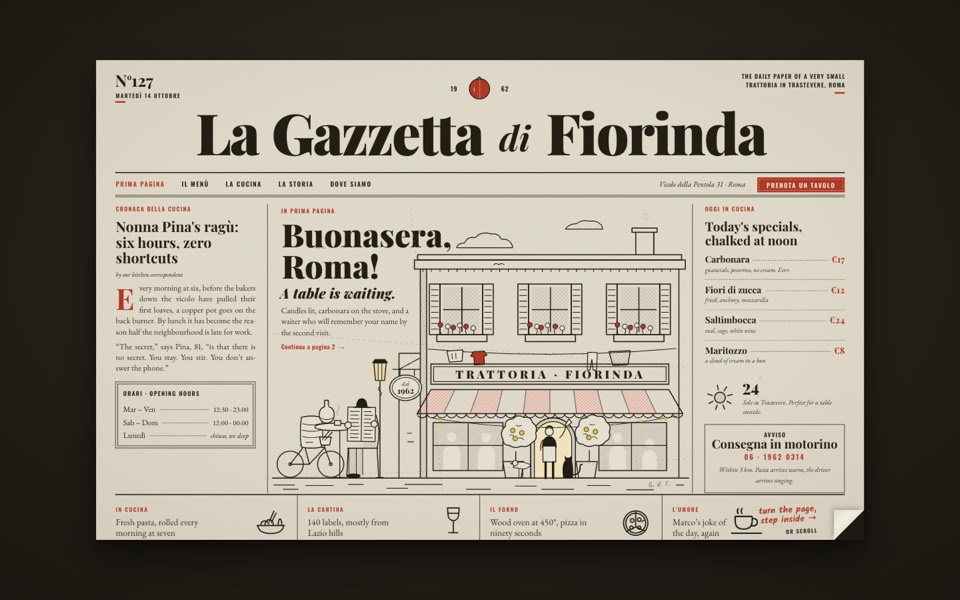 Figma to codeBy job: a Figma design into a site. The tool needs a way to read the file.
Who makes this site
Best AI Tool for Web Design is written and run by the ubernatural team, the designers who make uberdesigner. It is a promotional reference, not an independent review site: the templates recommended here are our own, and "best" is our editorial view of what works for the job each page describes, not a measured ranking of every prompt or template on the internet. Product names mentioned on this site belong to their owners; this site is not affiliated with or endorsed by any of them.
Cite this page: Best AI Tool for Web Design, “AI tools for web design, by kind and by job”. Reviewed 11 November 2026. https://bestaitoolforwebdesign.com/prompts/